
如何把手机上的日历导入 Podz?
打开 More,然后打开 Sync Calendars,点击 Sync with Local Calendars。选择要包含的手机日历和 pod 成员,检查日期,然后点击 Synchronize。
步骤
- 打开More,然后打开Sync Calendars。
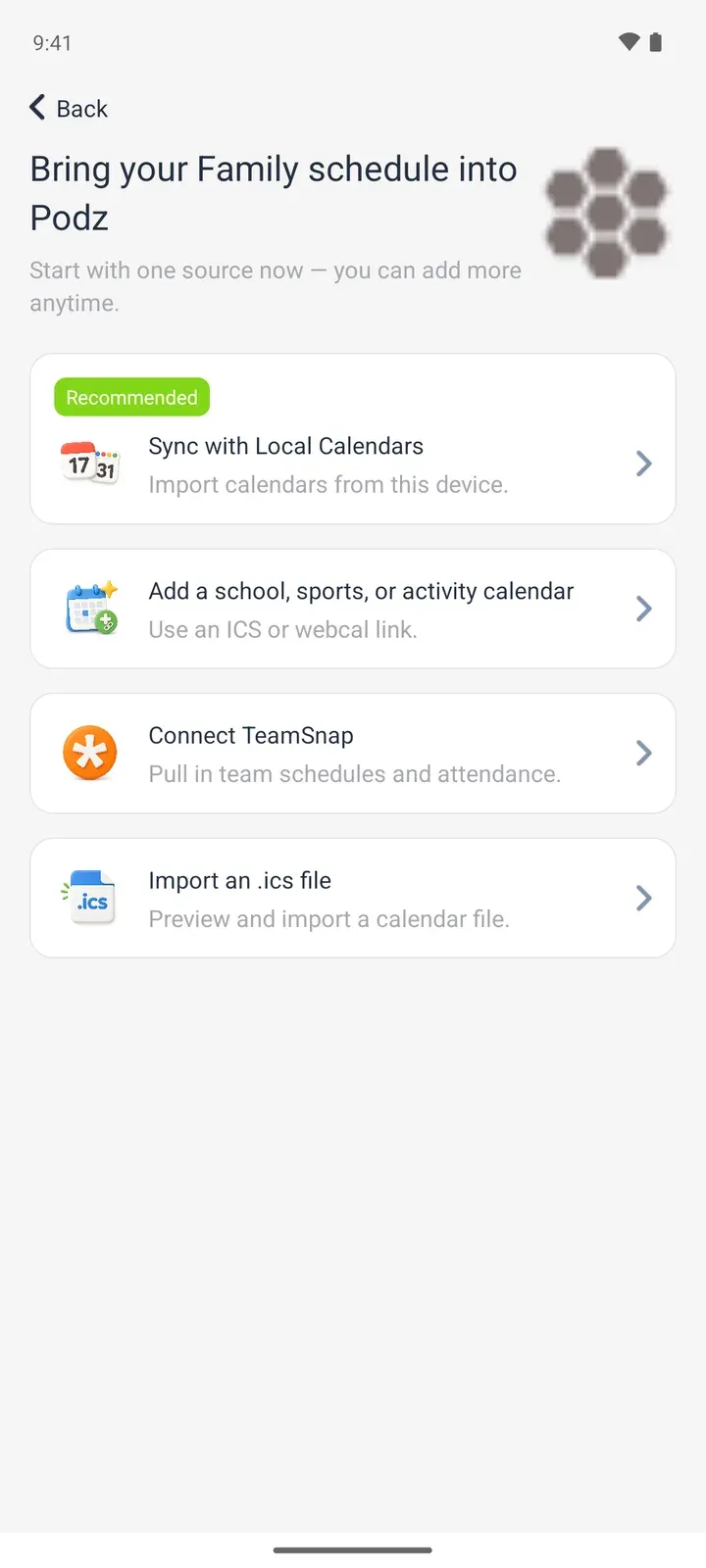
- 点击Sync with Local Calendars,打开Calendar Sync。如果Android询问是否允许Podz访问你的日历,请点击允许。

- 点按 New Sync 打开 Synchronize Calendars。
- 在Name this sync中输入名称。
- 在Import Calendar(s)下打开Select Calendars,只选择希望与此pod共享的日历。
- 在Who is attending the imported events?下打开Select Attendees,选择将参加导入活动的pod成员。
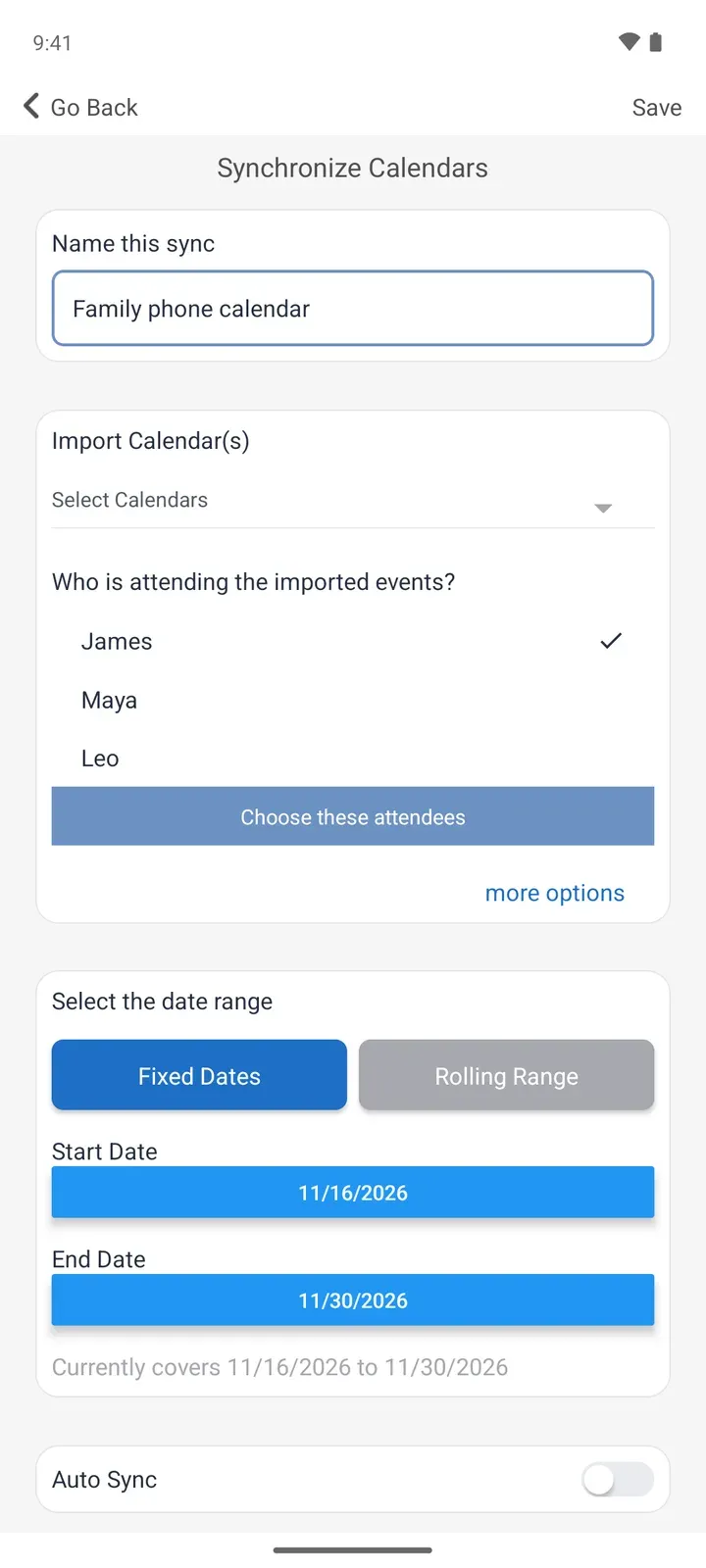
- 检查Select the date range。默认范围为两周:可以在Fixed Dates下调整End Date,或选择随今天移动的Rolling Range。
- 确认日历、成员和日期无误后,点击Synchronize。Save会保存此同步,方便以后再次运行。
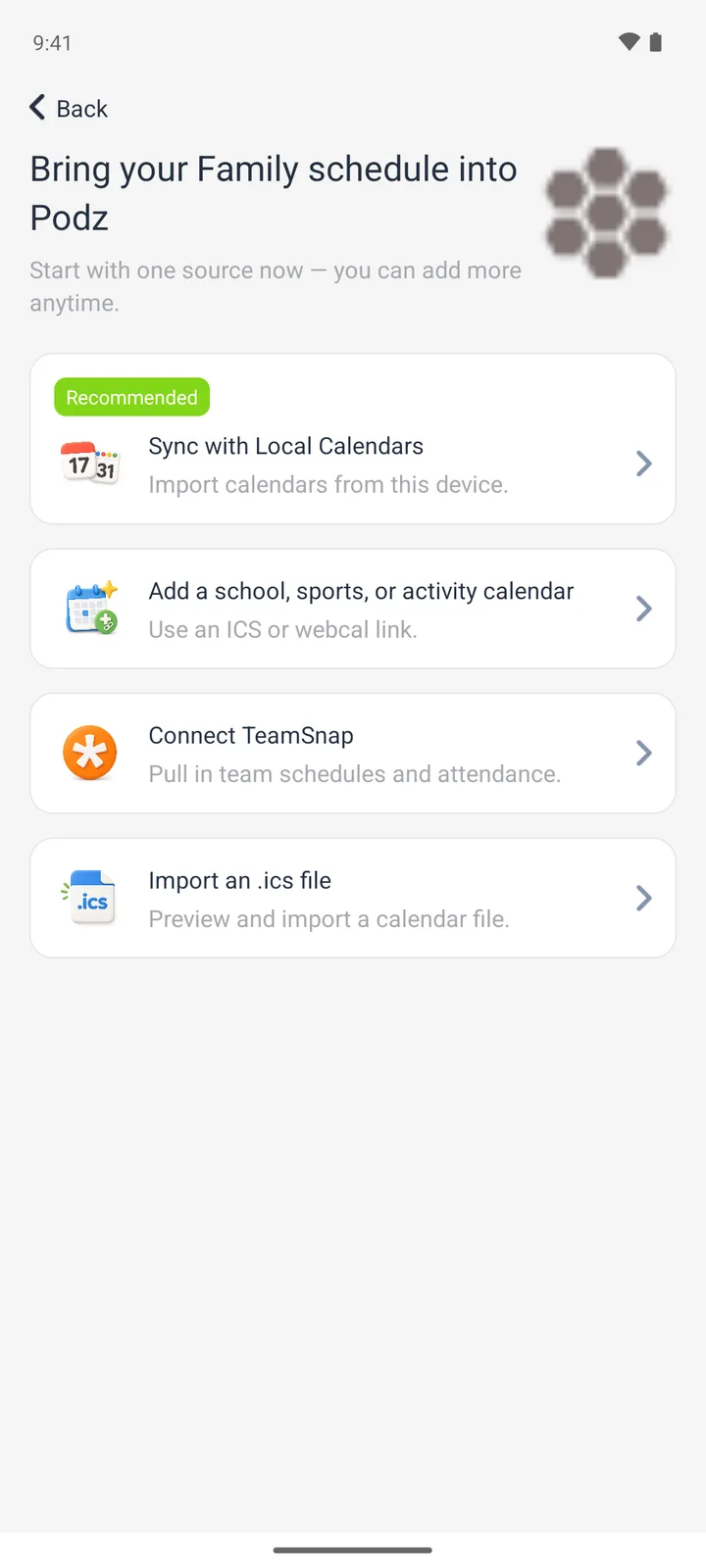

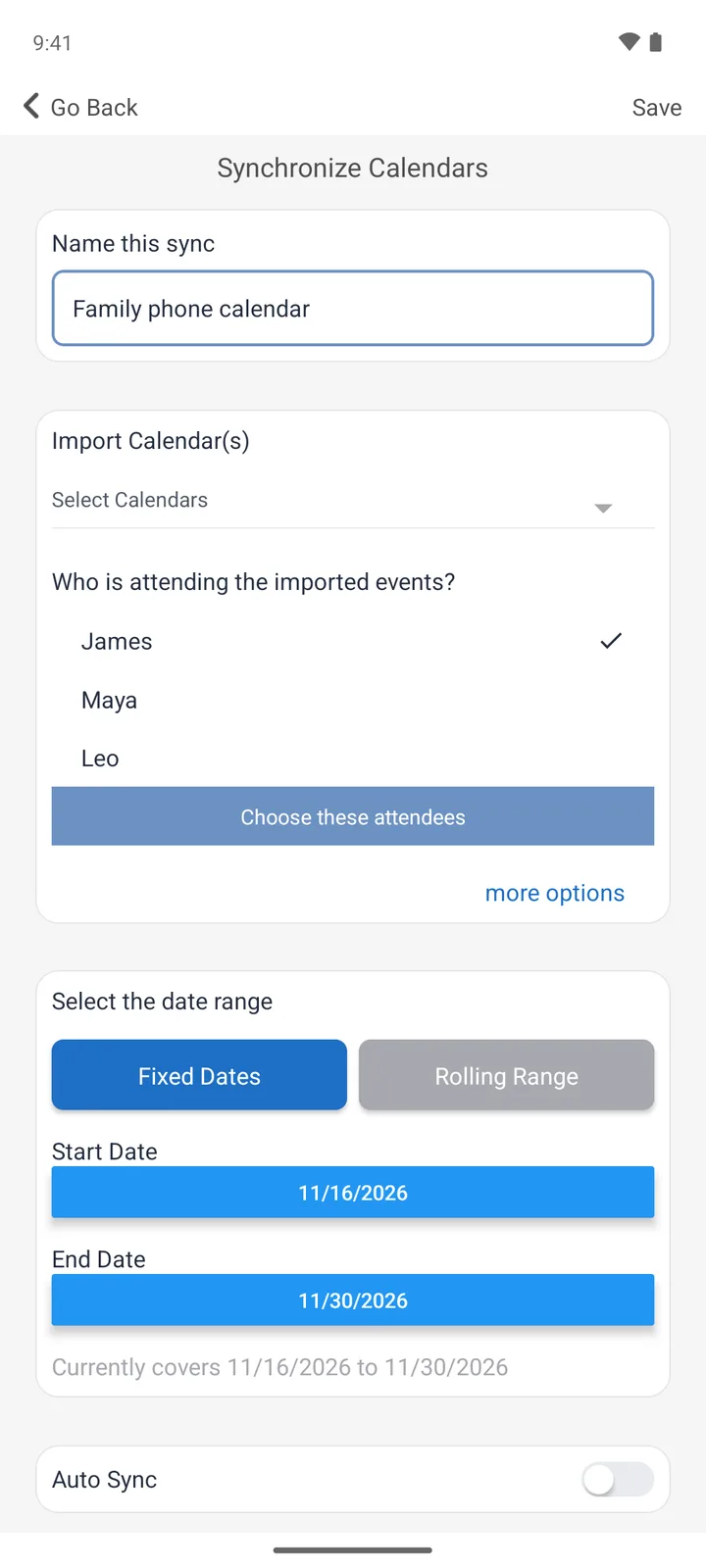
步骤已在 Android 上核对,iPhone 上的界面可能略有不同。已于 2026年11月16日在 Podz 2.20.56 中核对。
小贴士
页面显示: Add a school, sports, or activity calendar (Use an ICS or webcal link.), Import an .ics file, Connect TeamSnap (Pull in team schedules and attendance.). 先从一个来源开始,其余的可以随时添加。