
How do I add items to a shared family list?
Open a list from To Dos, use its edit icon, then add the next item. Shared groceries, chores and reminders stay together, so your family can see what still needs doing.
Steps
- From To Dos, tap Lists.
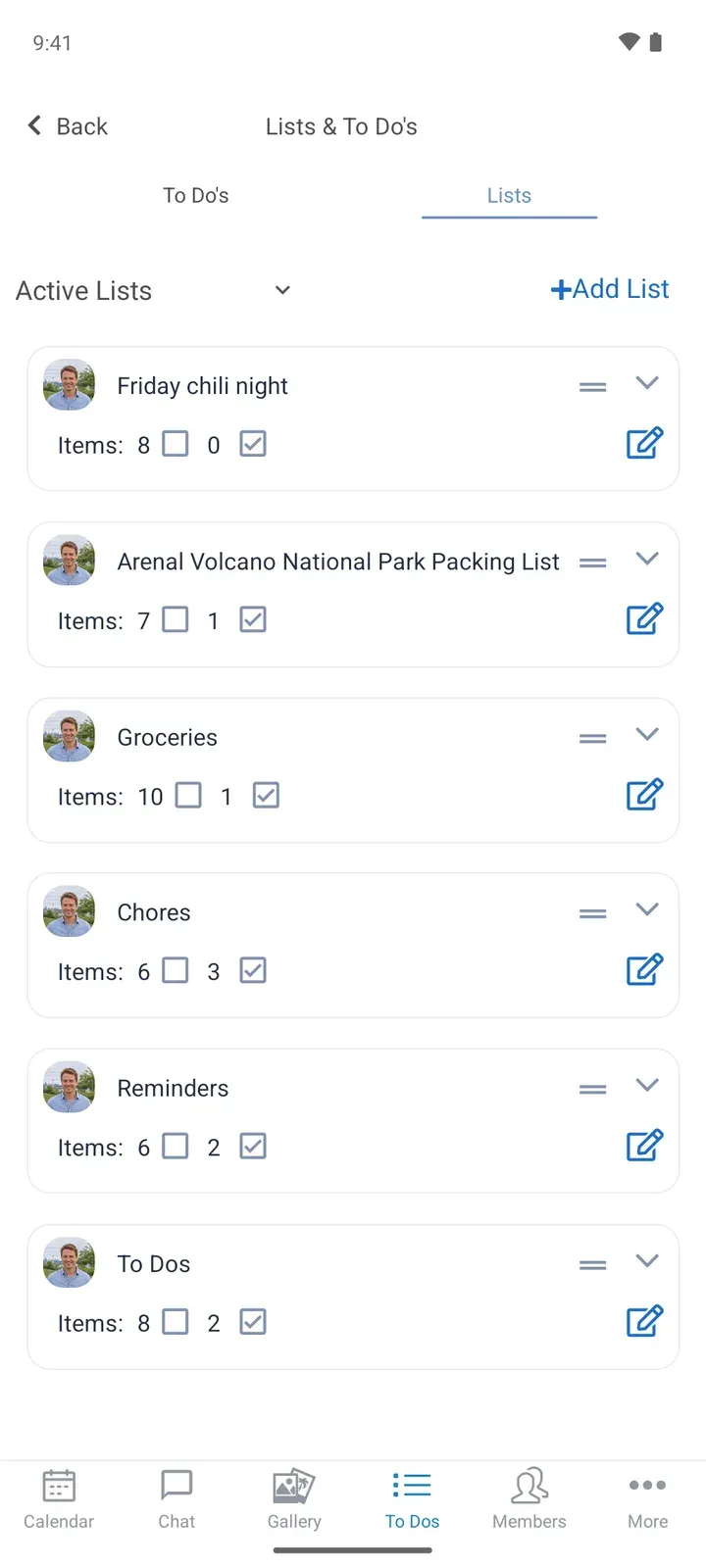
- Open Groceries.
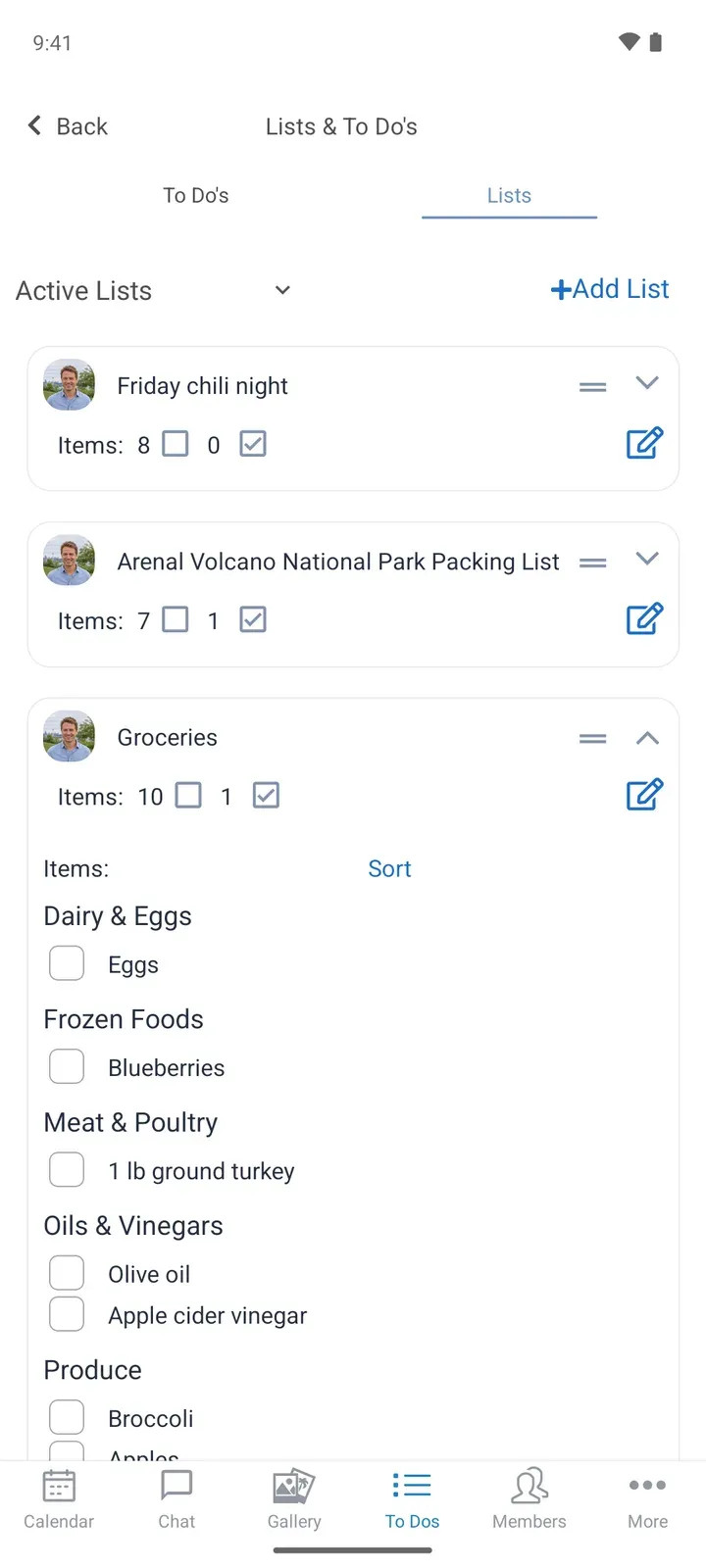
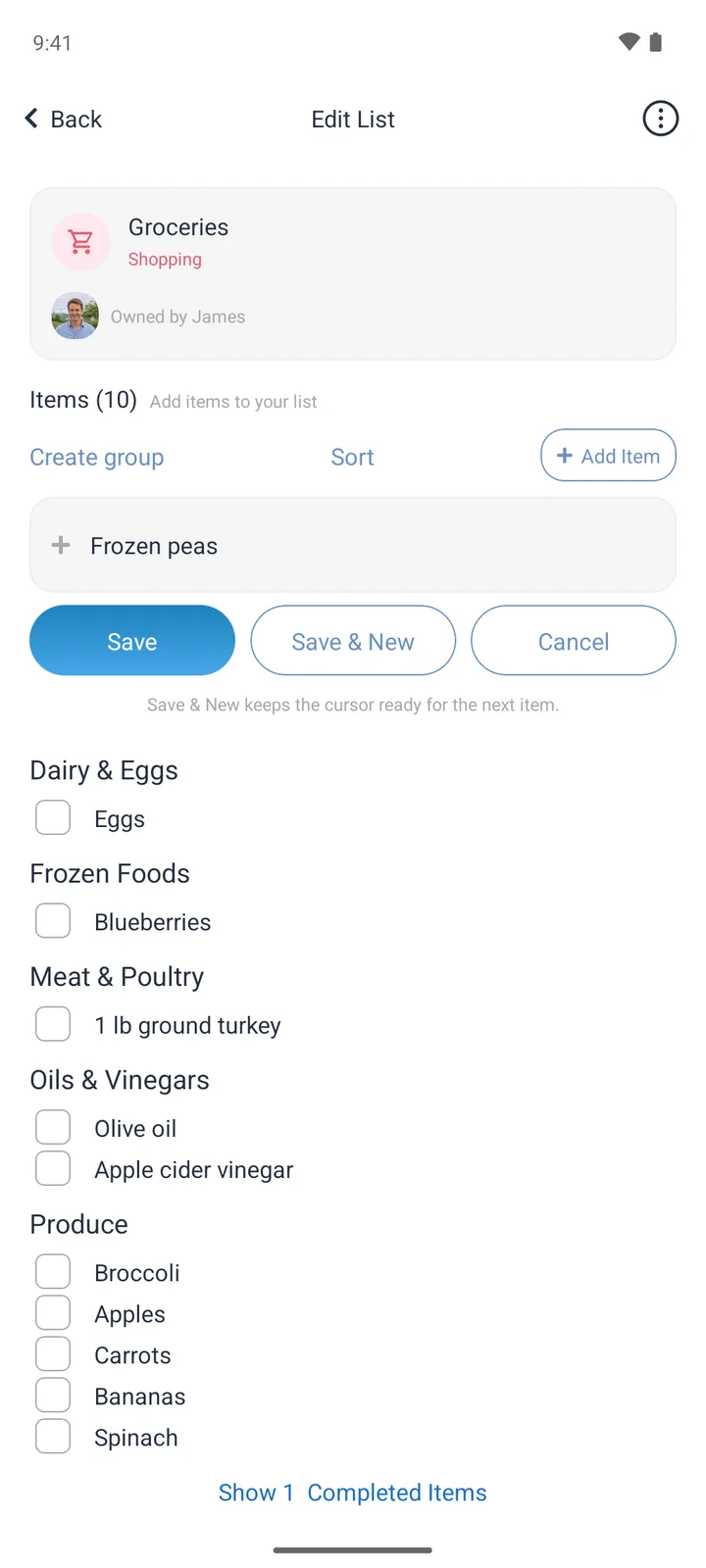
- Tap its edit icon to open Edit List.
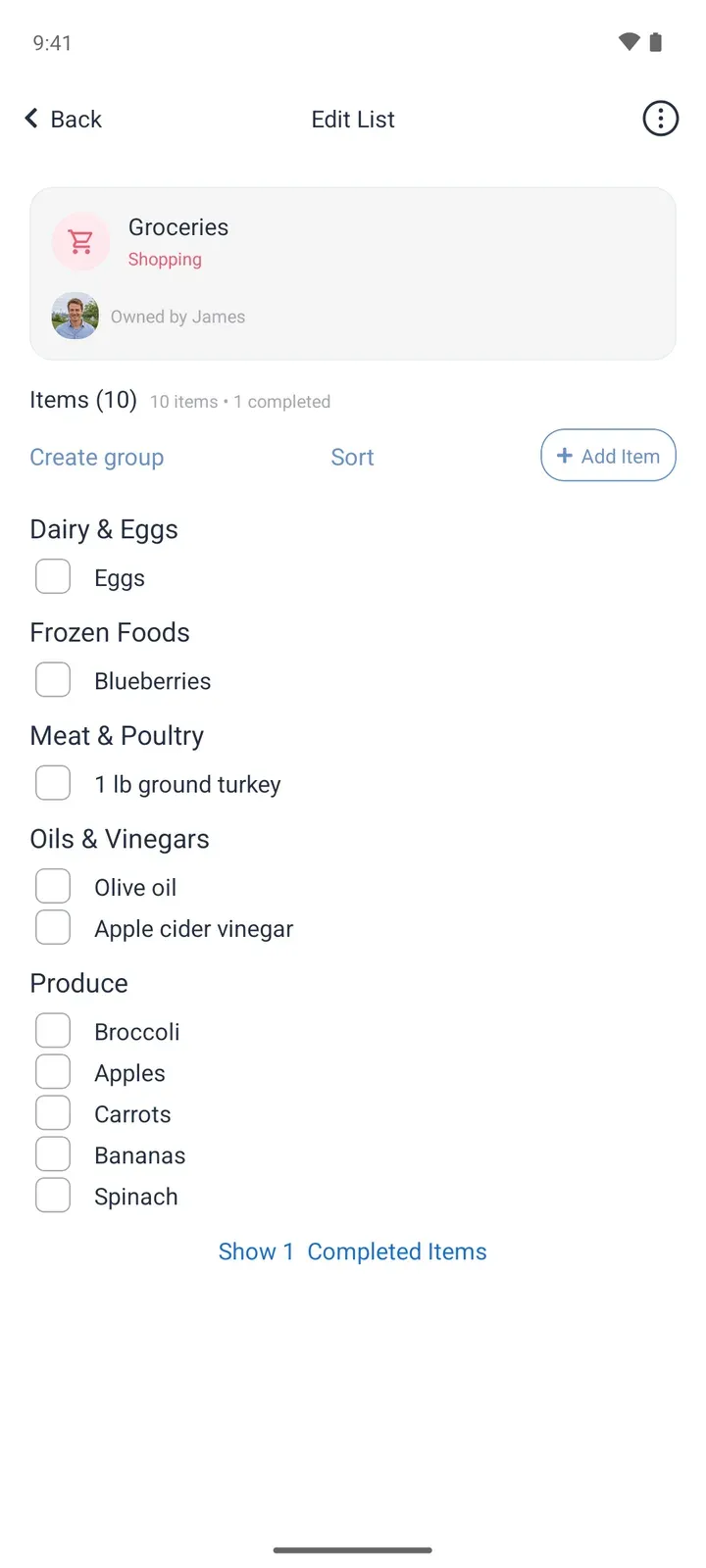
- Tap Add Item.
- Enter an item in Enter Item.
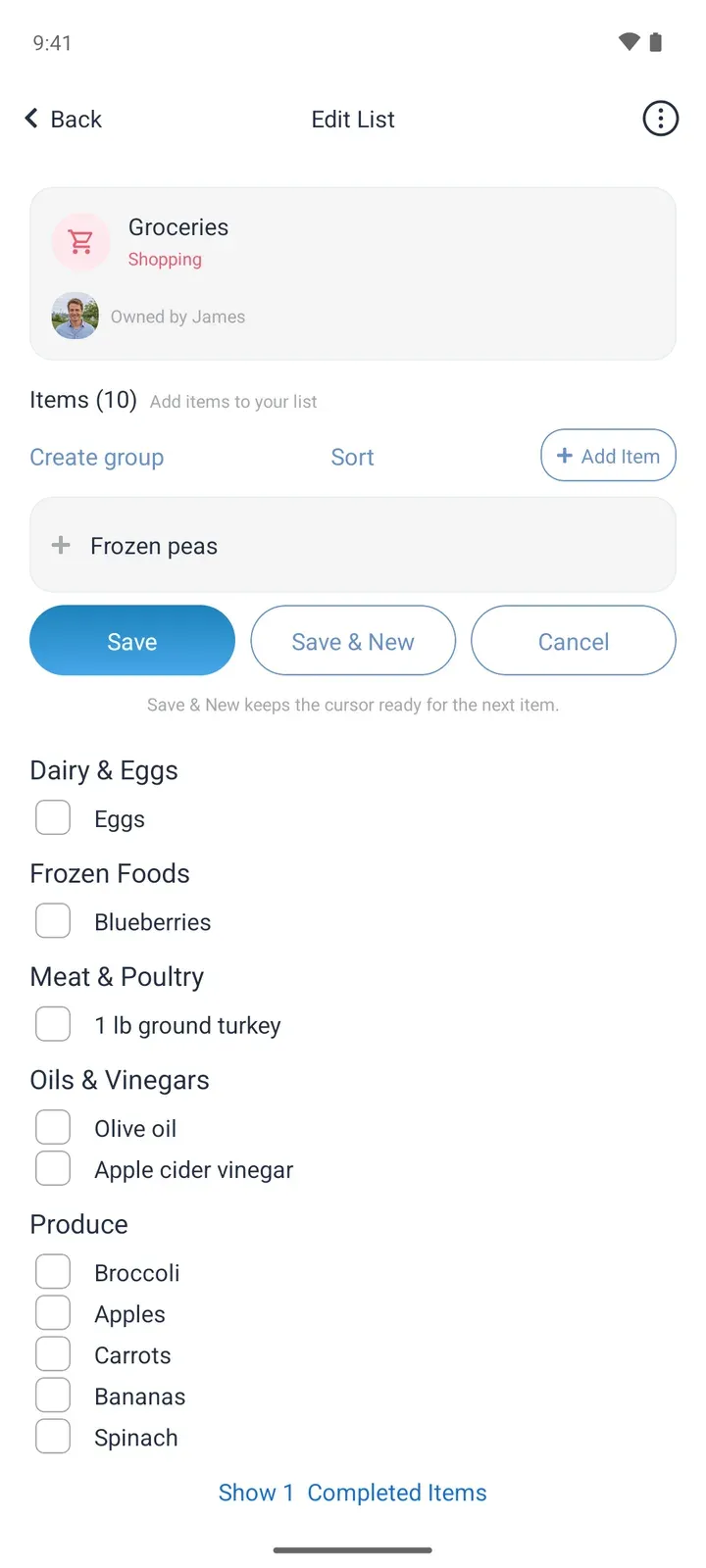
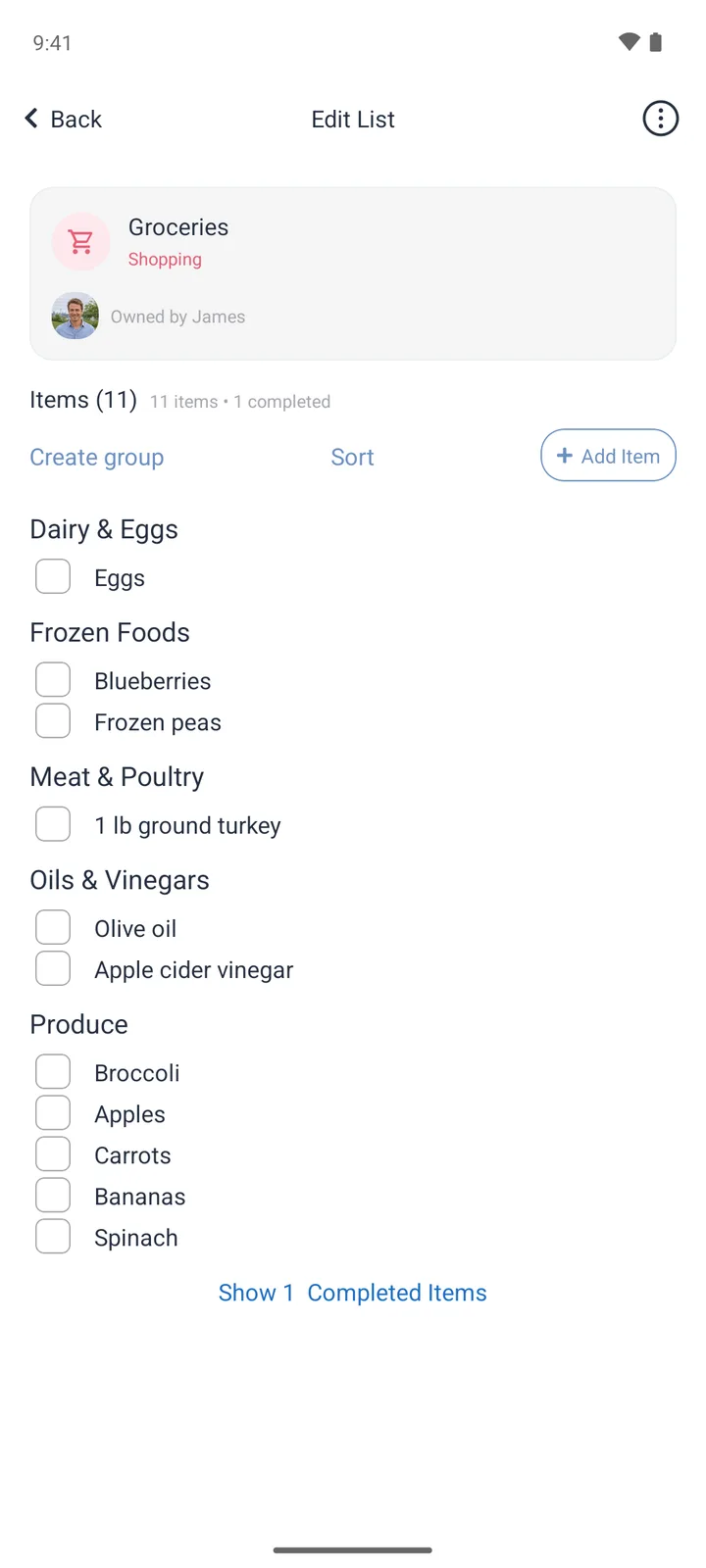
- Tap Save. The new item appears in the list.
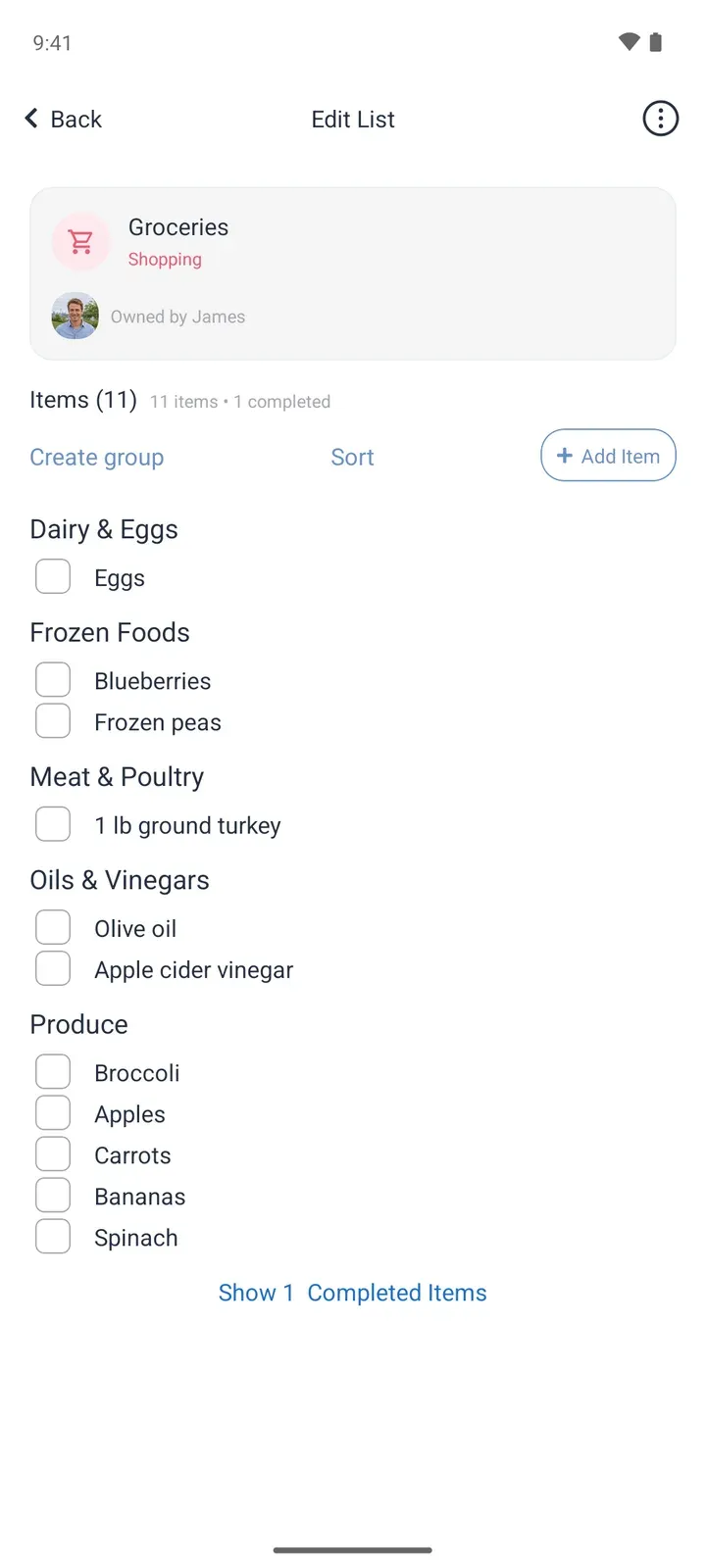
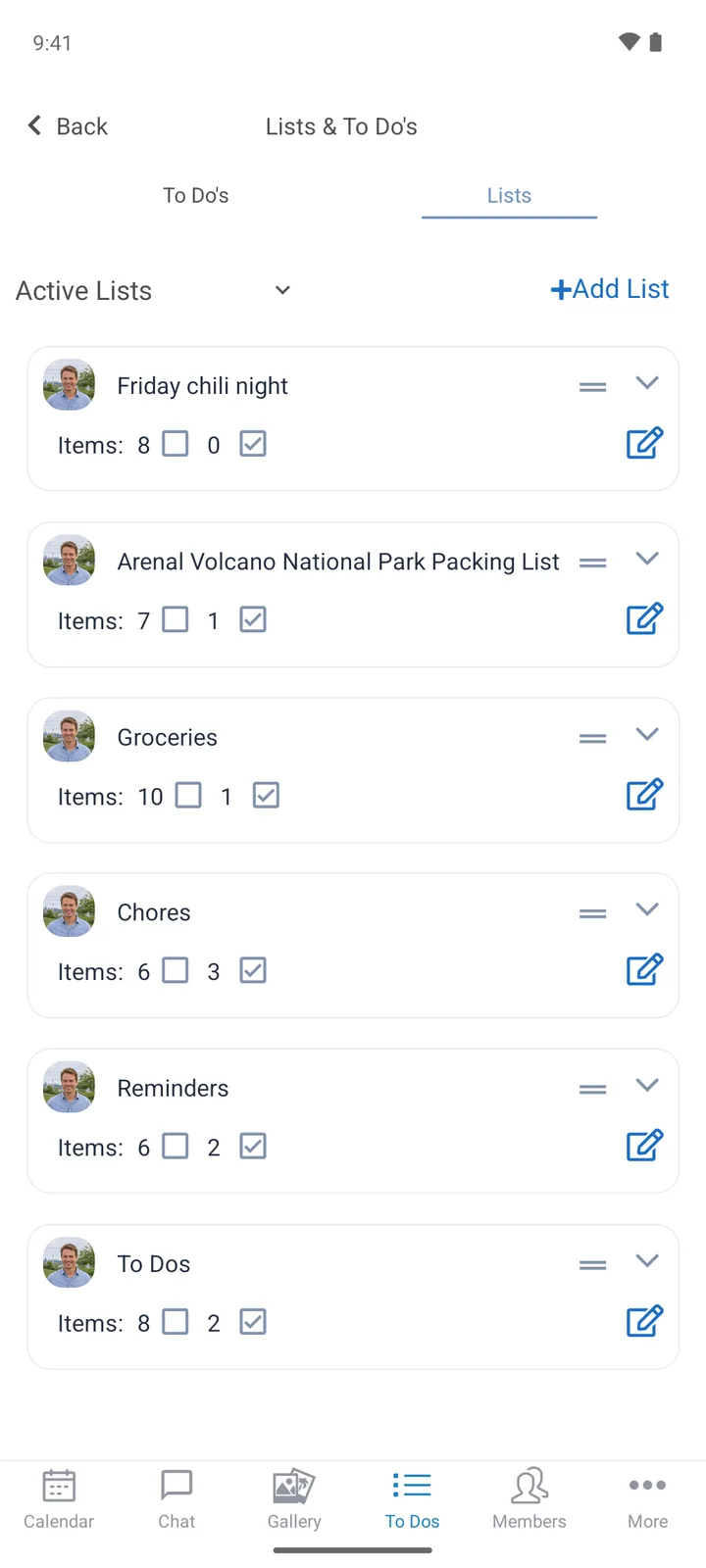
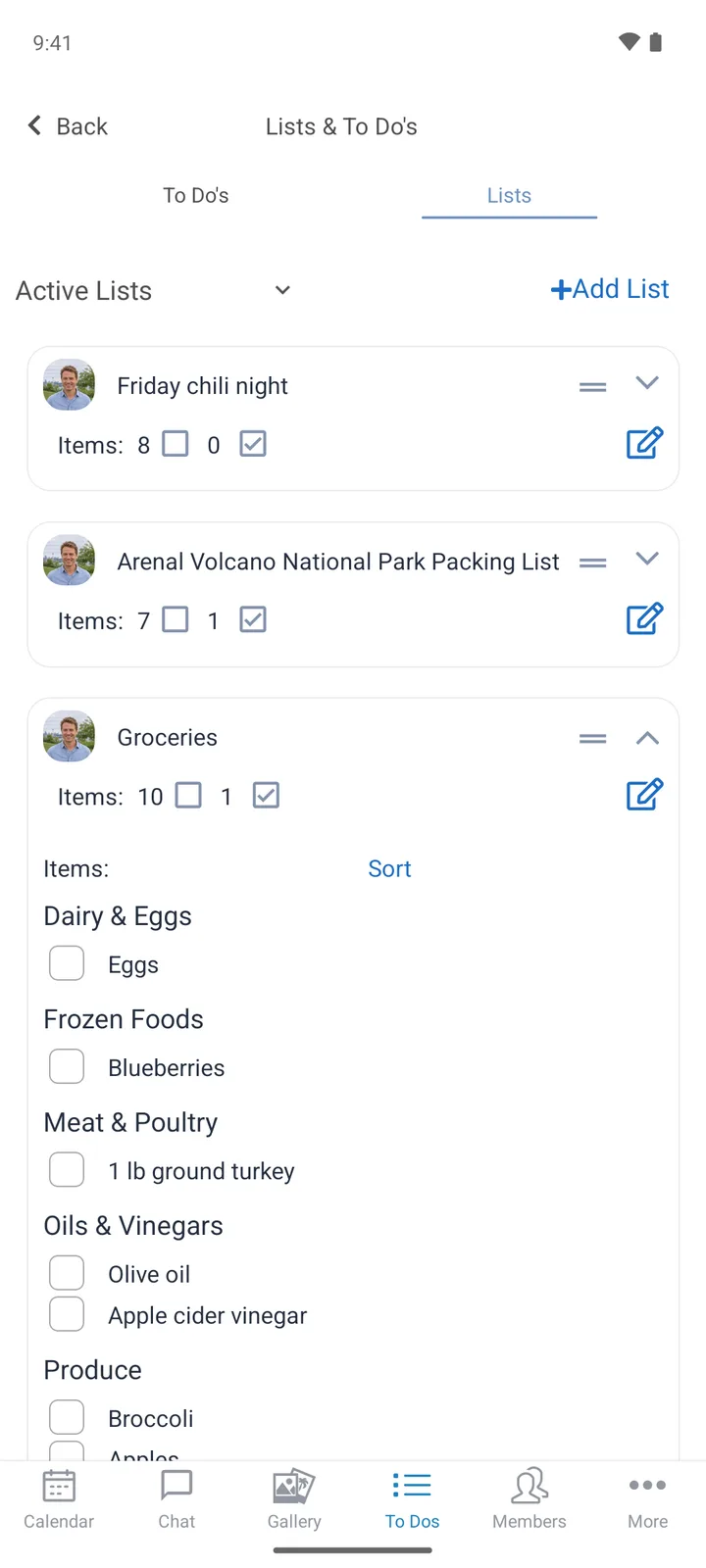
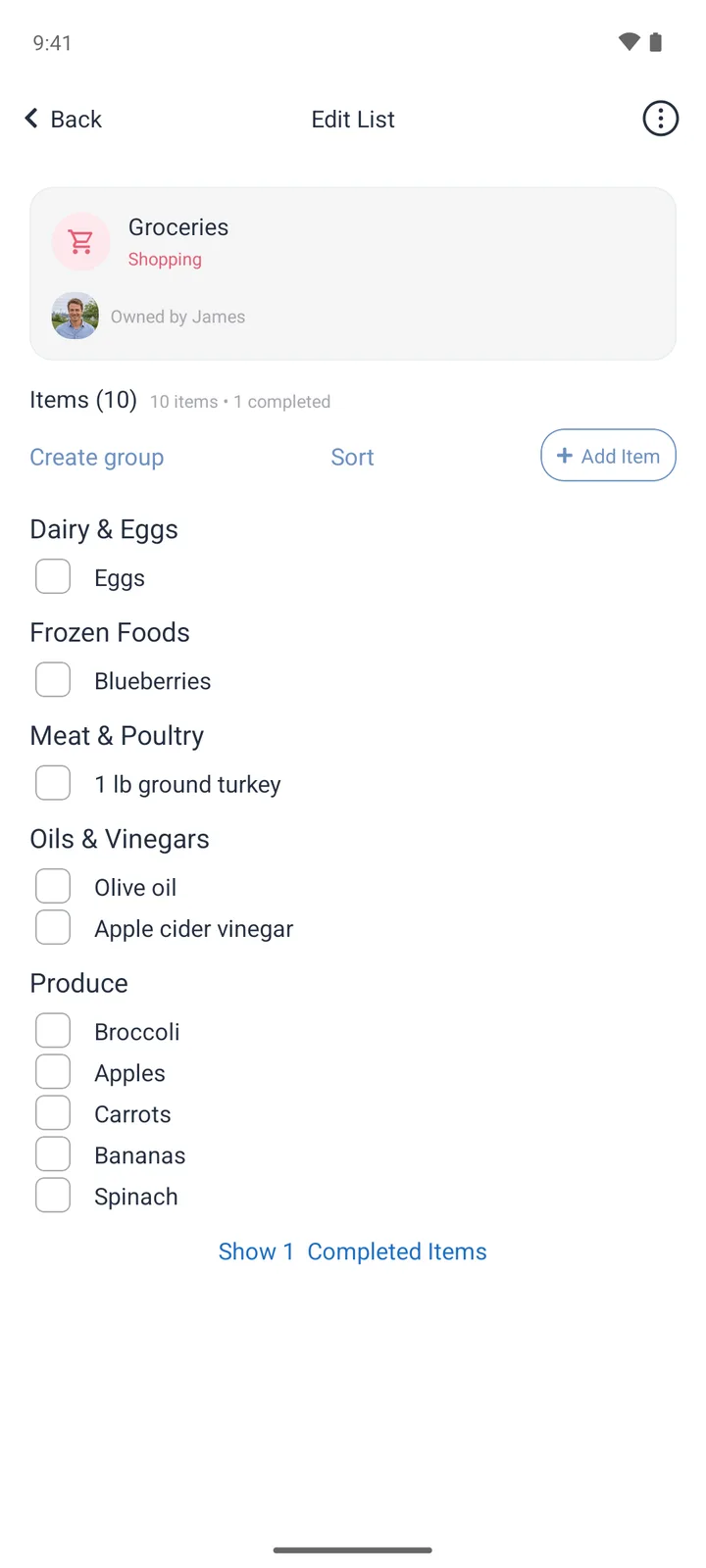
Steps checked on Android; iPhone screens may look slightly different. Checked in Podz 2.20.56 on Nov 16, 2026.
Good to know
Chores, Reminders, and To Dos are on the same Active Lists screen. Create group and Sort are on Edit List. Save & New keeps the cursor ready for the next item.
Completed items fold under Show 1 Completed Items in this example. The count changes as you complete items.
Still stuck? Get help from Podz, or search all the guides.