
Where is the translator in Podz?
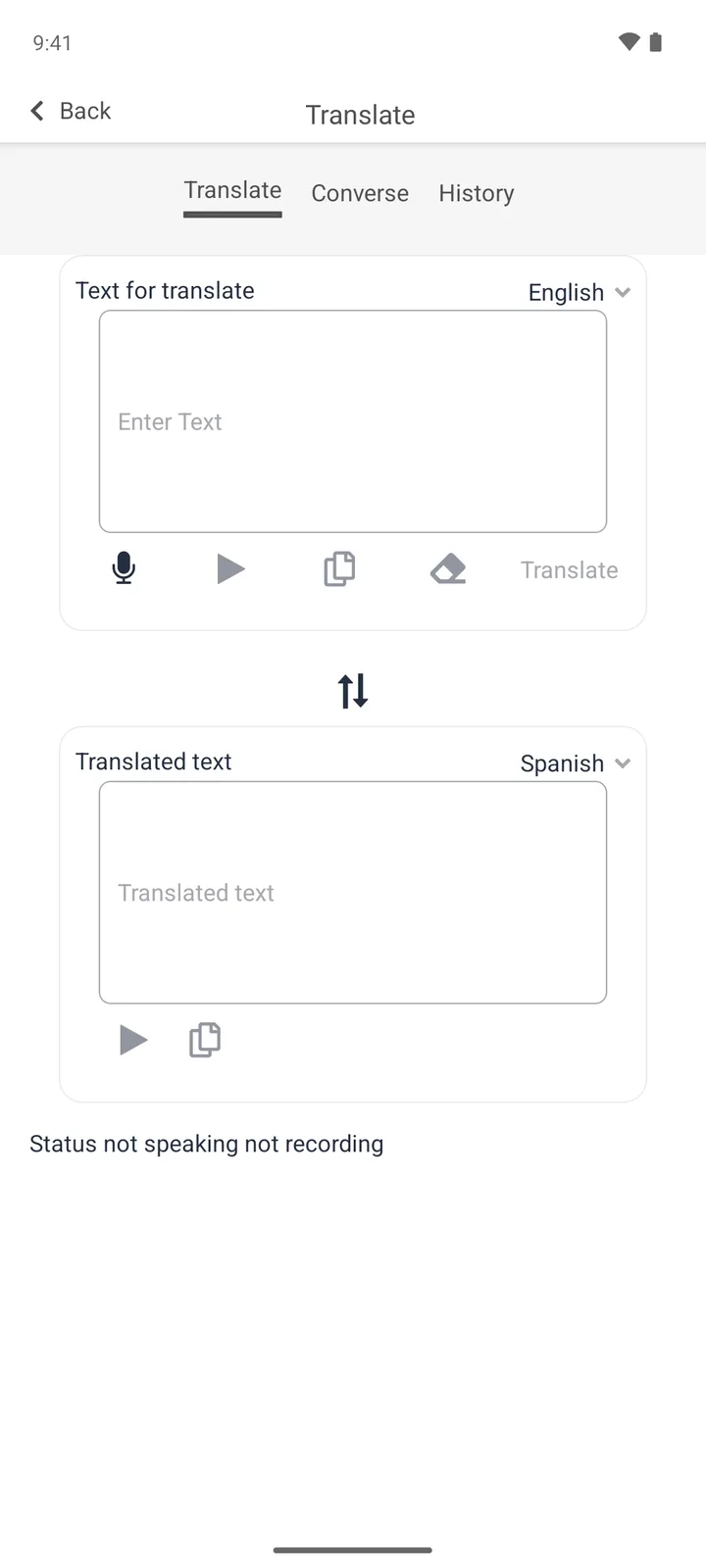
From More, open Translator. Choose the two languages, type your text and tap Translate.
Steps
- Tap More in your pod.
- Tap Translator.
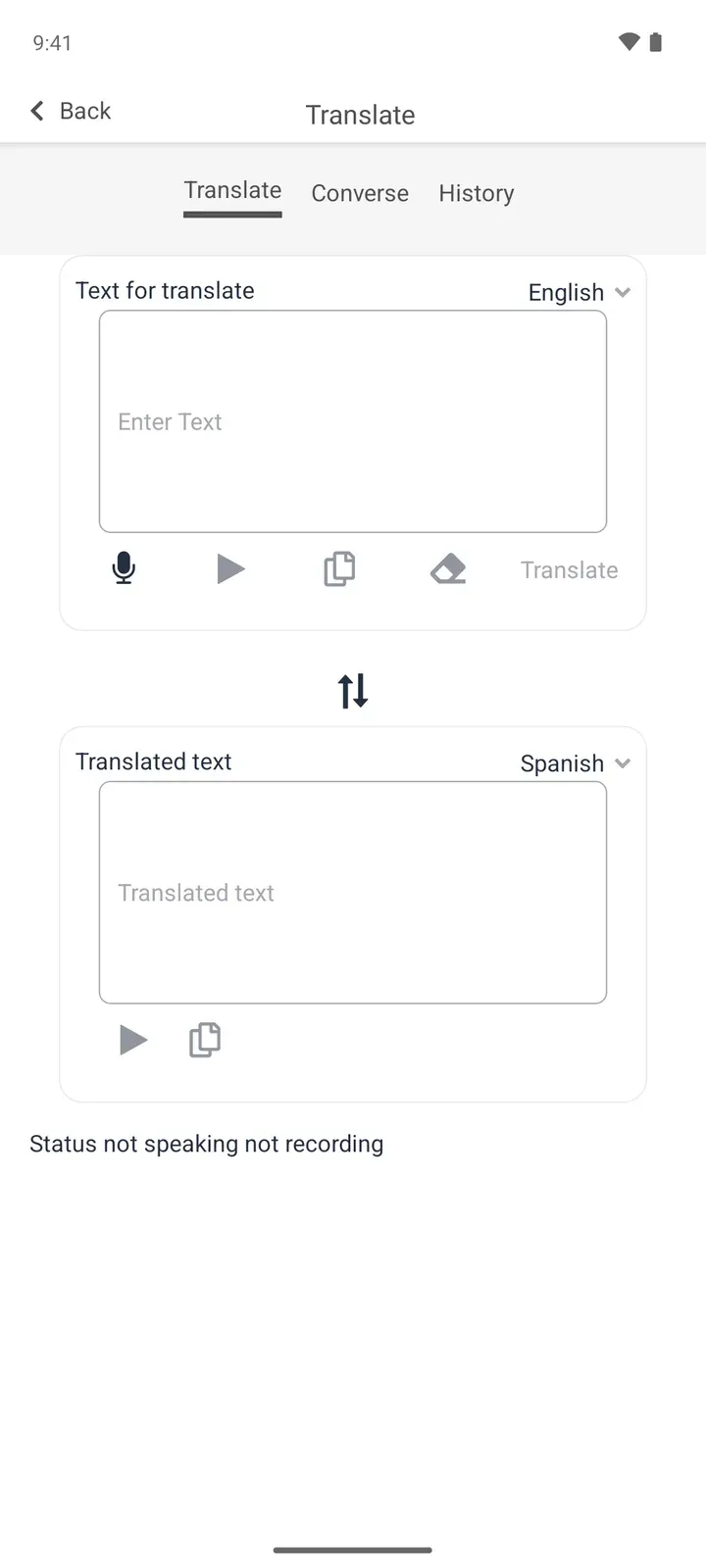
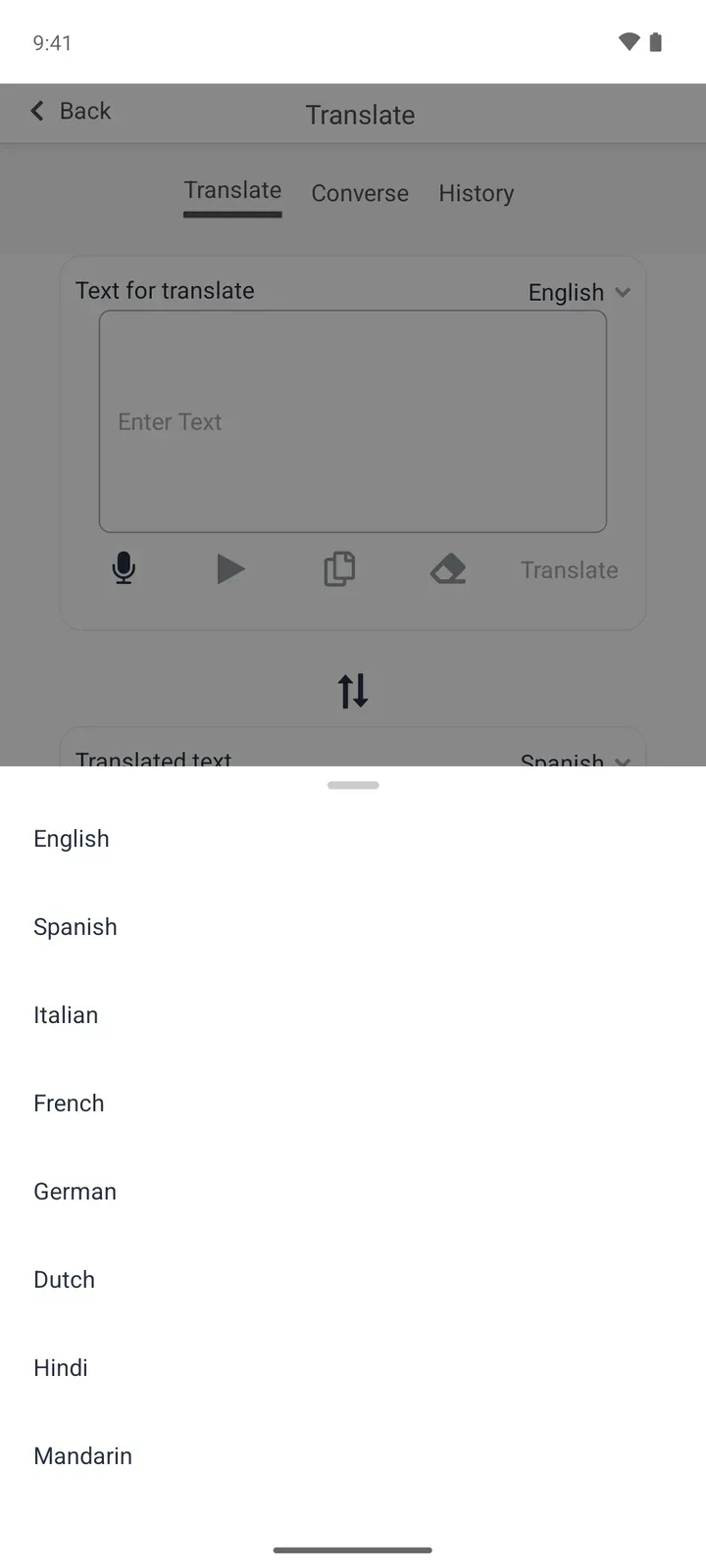
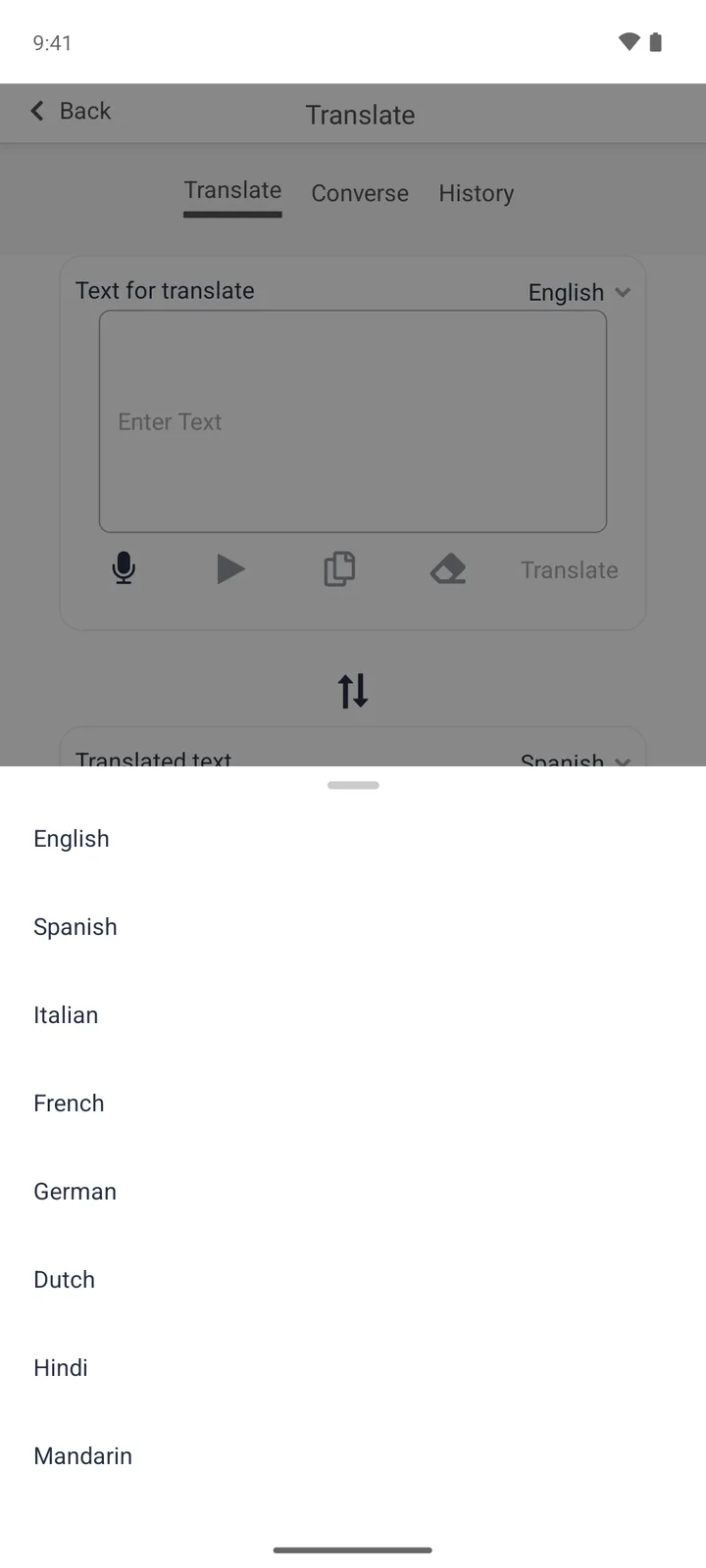
- Check the two languages: yours beside Text for translate and the one you need beside Translated text. Tap either one to choose another.
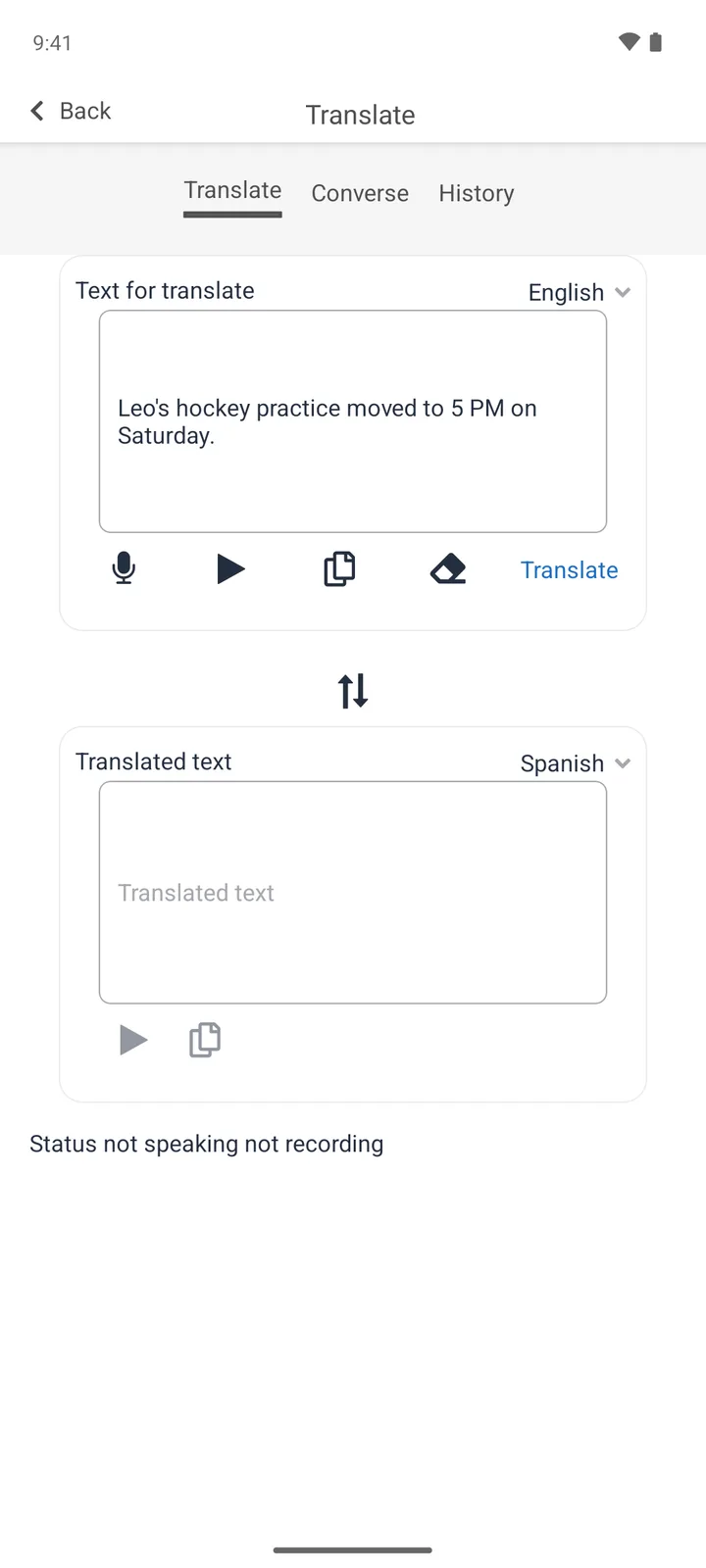
- Type your text where it says Enter Text.
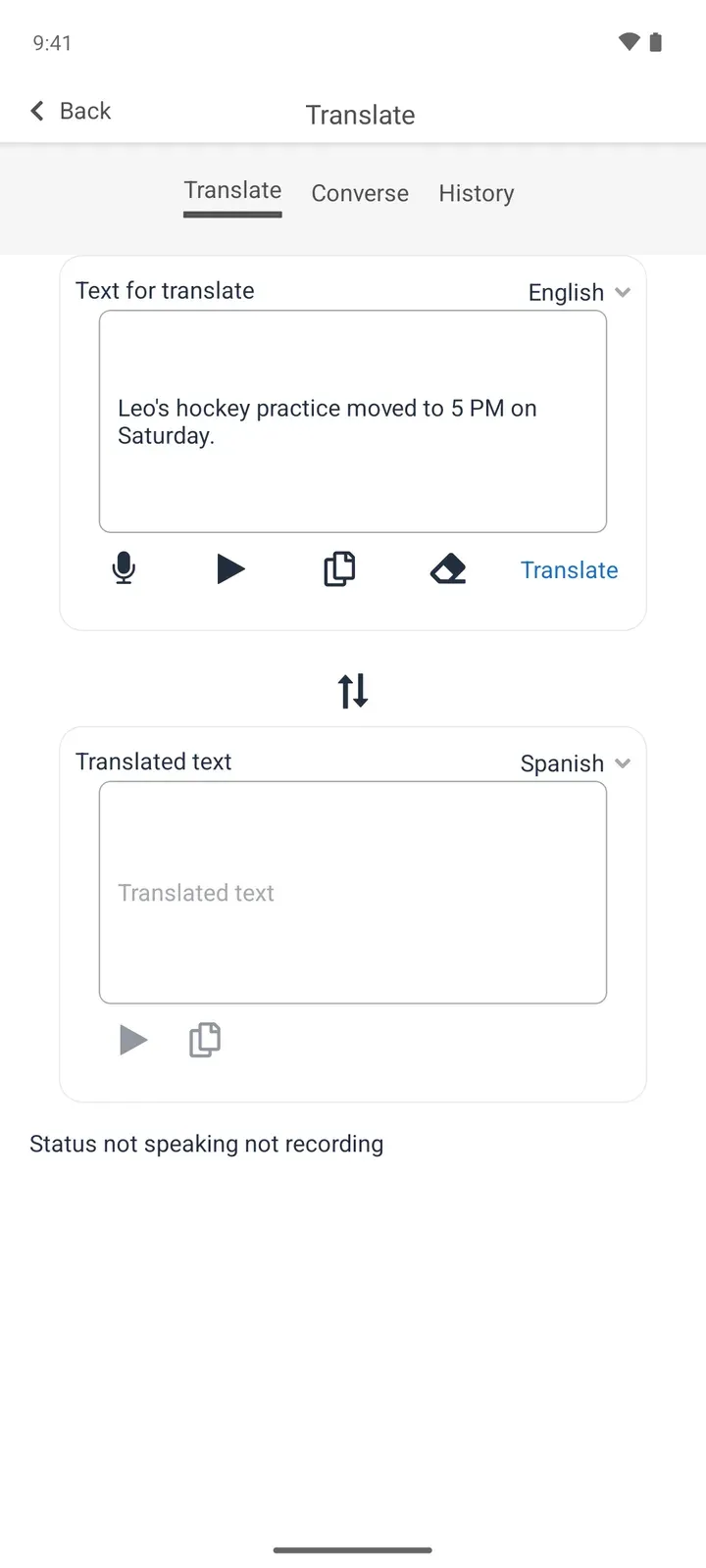
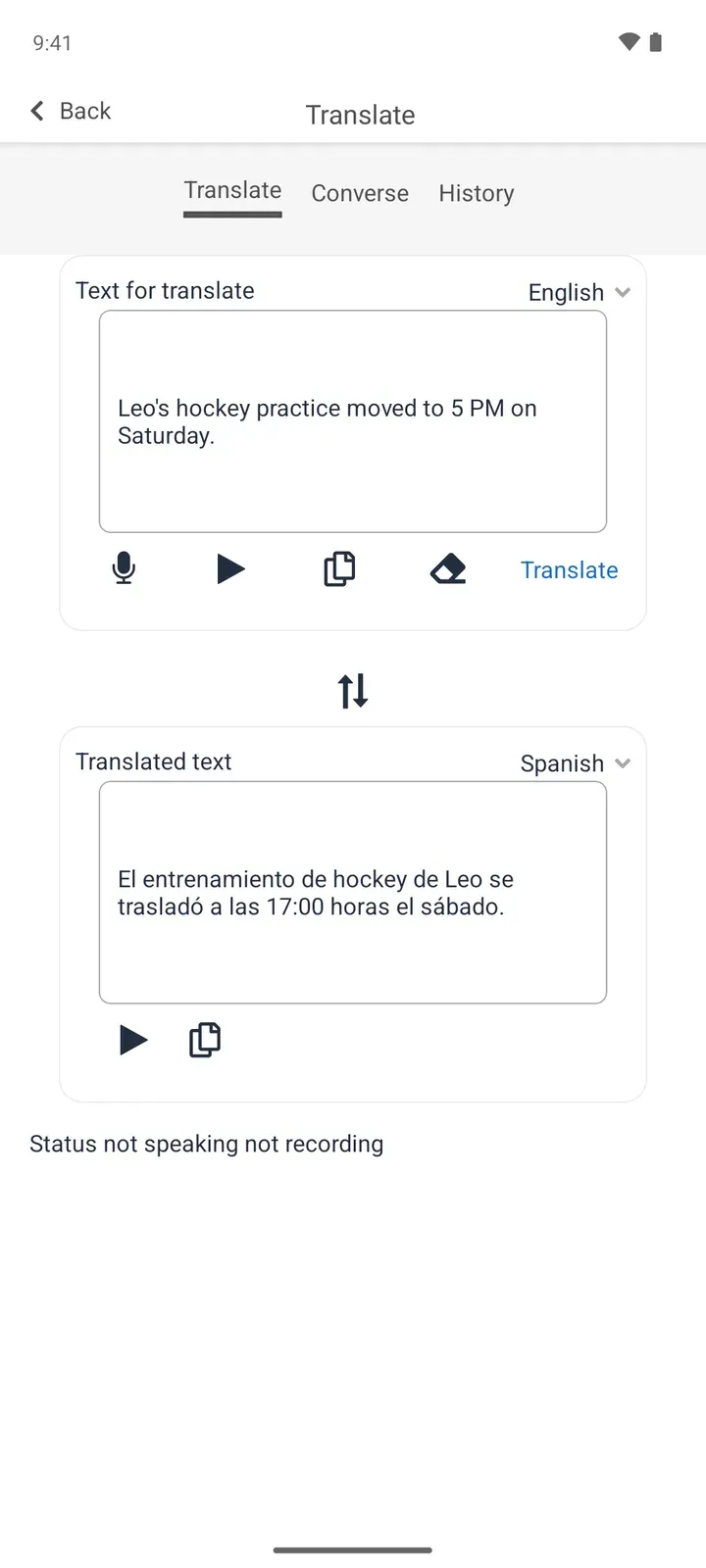
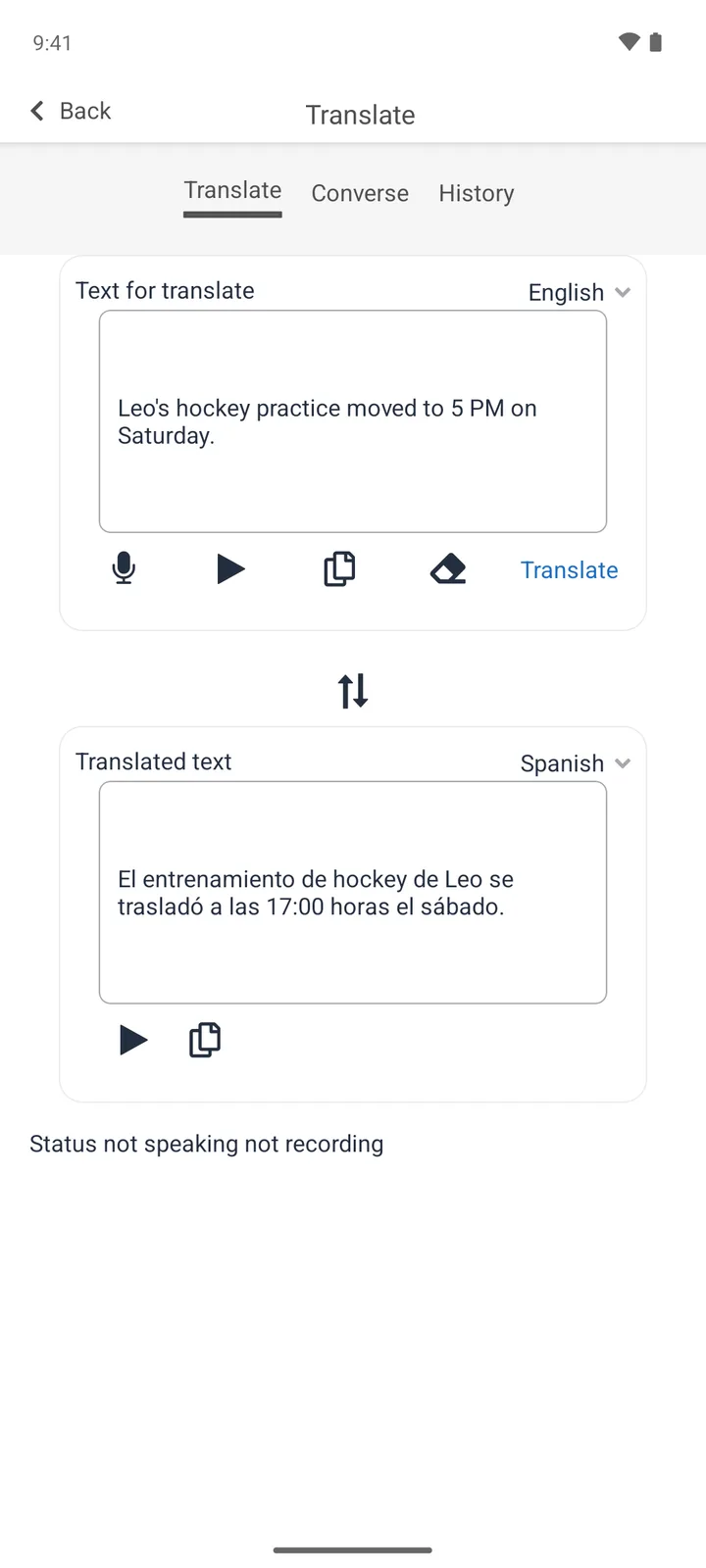
- Tap Translate. The translation appears under Translated text.
Steps checked on Android; iPhone screens may look slightly different. Checked in Podz 2.20.56 on Nov 16, 2026.
Good to know
The example turns a message about Leo’s hockey practice into Spanish. To translate one message in Chat, press and hold it, then tap Translate. To translate a pod’s chat automatically, turn on Auto Translate Chat in that pod’s Pod Profile (the app menu, then Pod Profile).
Still stuck? Get help from Podz, or search all the guides.