
How do I react to a message in Podz?
Press and hold the message in Chat, then tap one of the six reactions. It shows on the corner of the message.
Steps
- Open your pod and tap Chat at the bottom.
- Press and hold a message. A bar of six reactions appears above it as emoji: 👍 ❤️ 😂 👎 ❓ ‼️. A screen reader calls them Like, Love, Laugh, Dislike, Question and Emphasize.
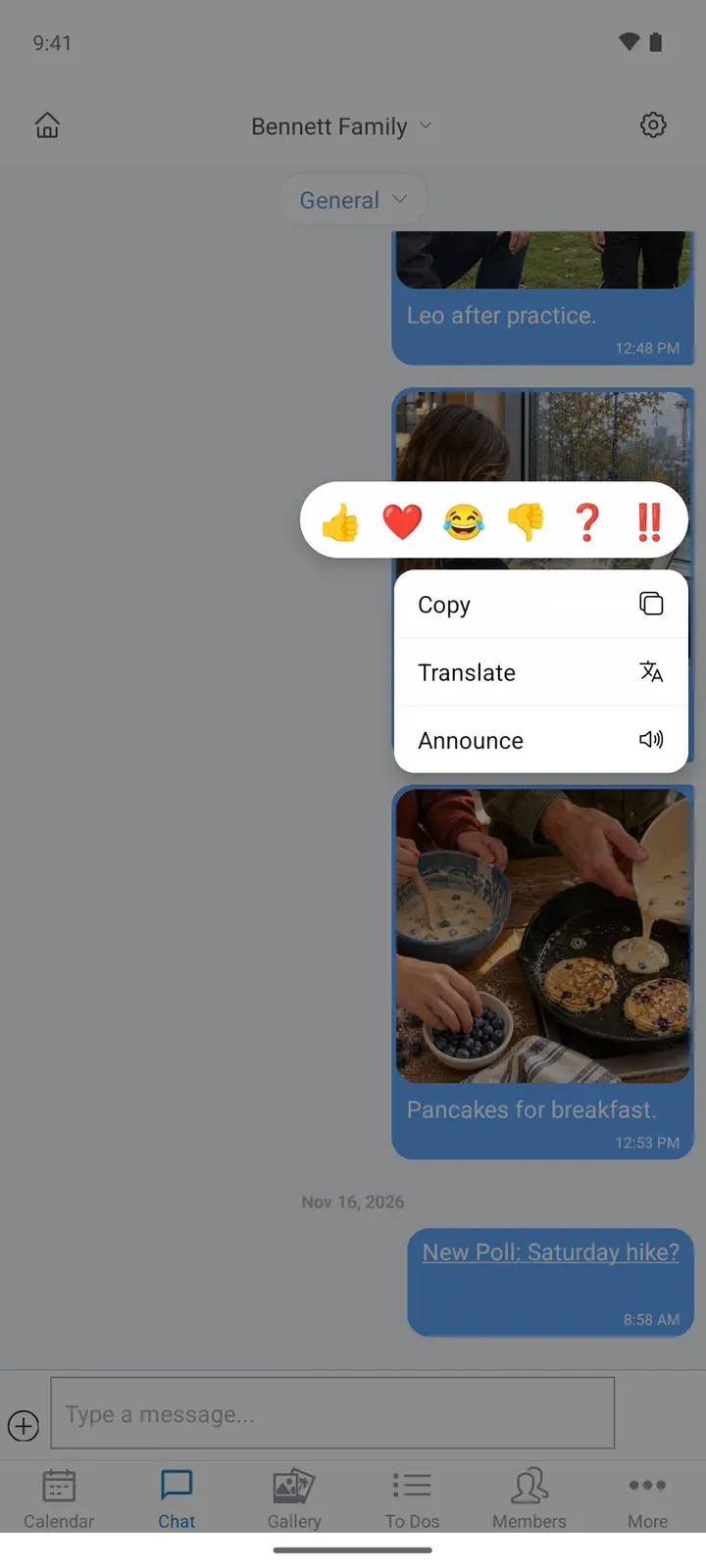
- Tap a reaction. It sits on the corner of the message.
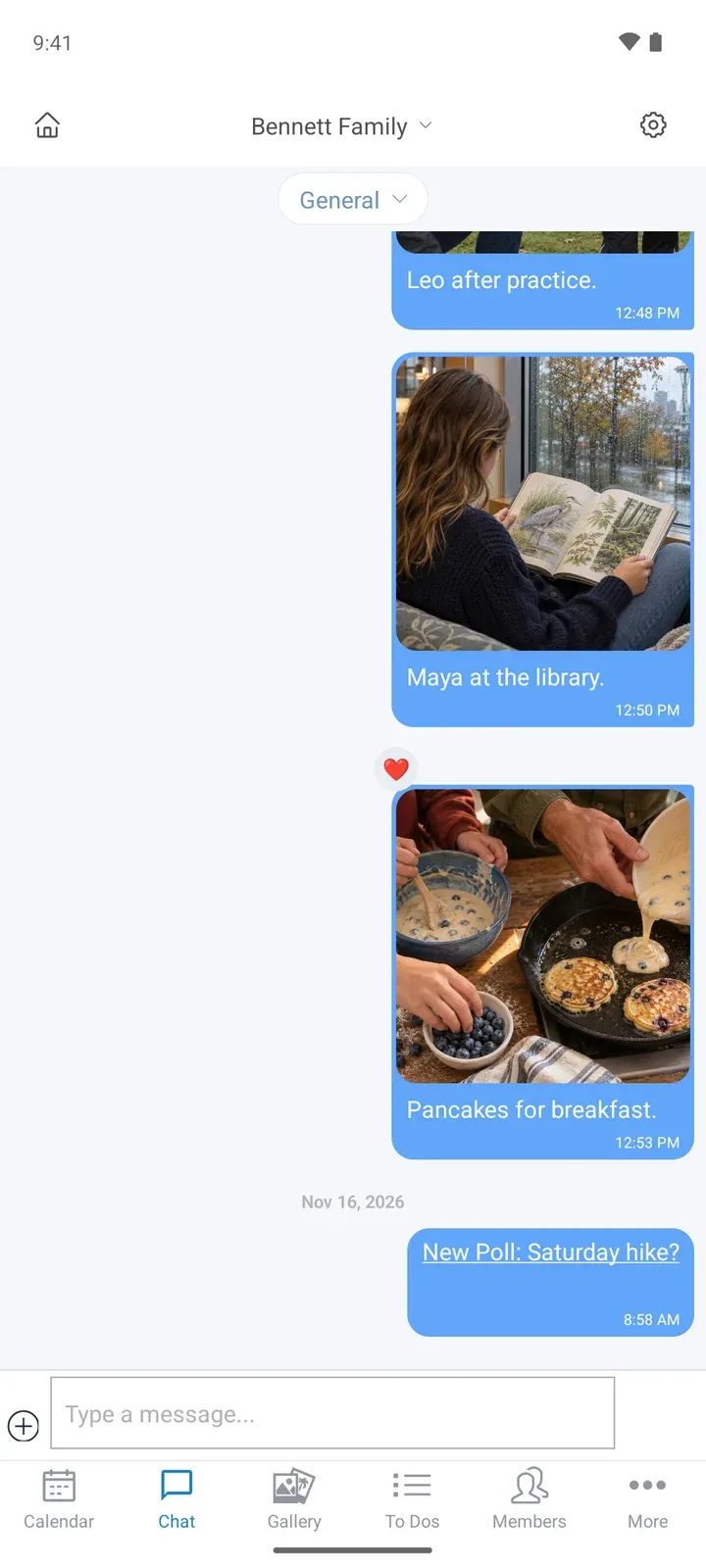
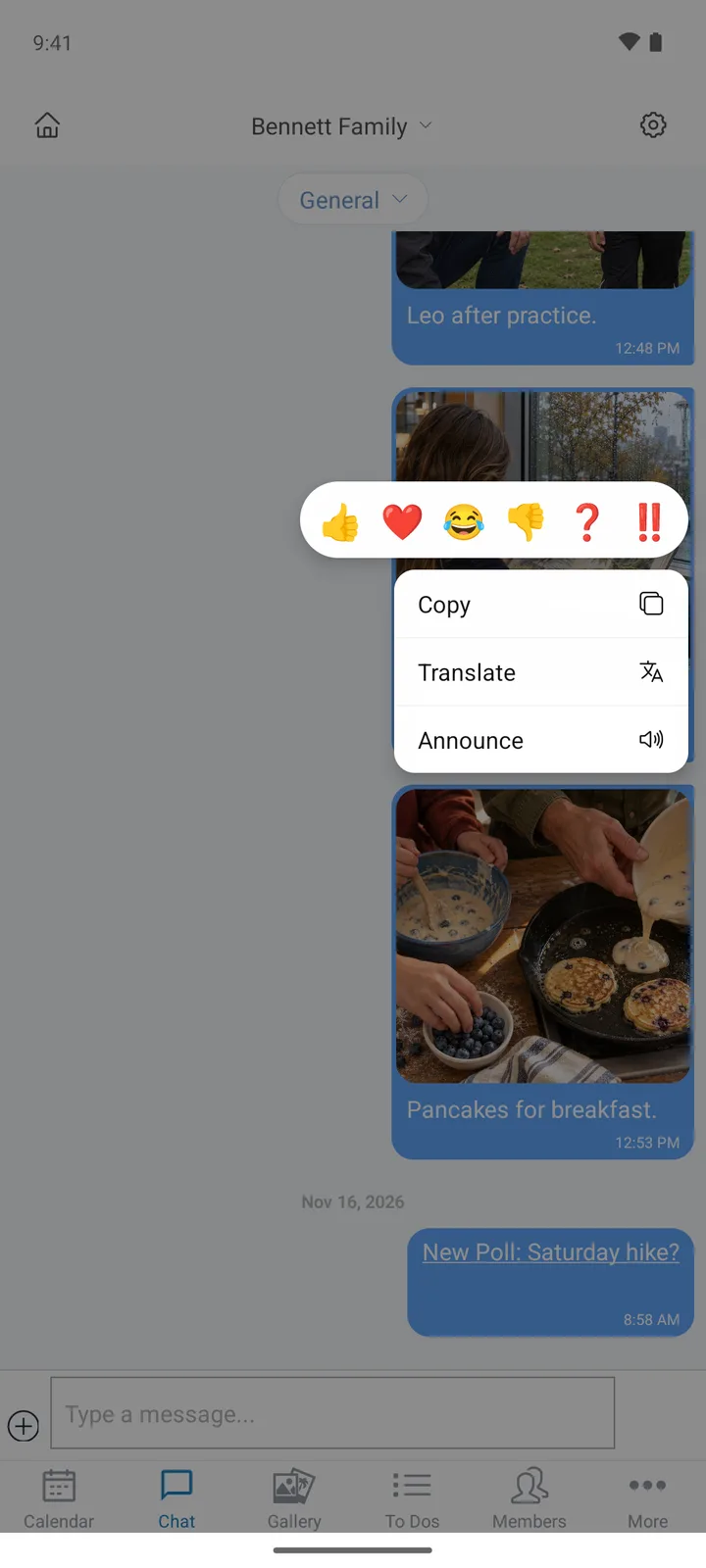
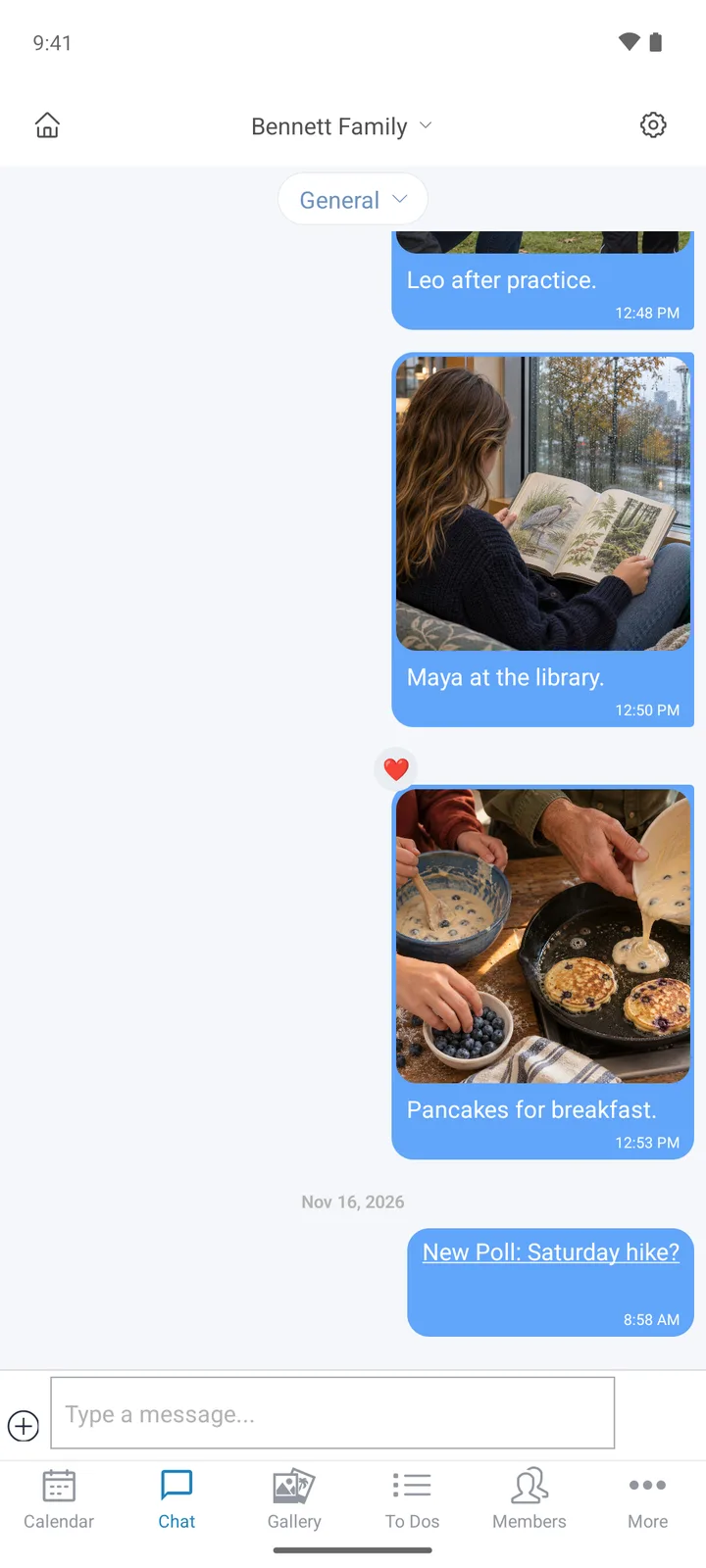
Steps checked on Android; iPhone screens may look slightly different. Checked in Podz 2.20.56 on Nov 16, 2026.
Good to know
Reactions arrived in version 2.20.48. The same press and hold also offers Copy, Translate and Announce.
Still stuck? Get help from Podz, or search all the guides.