
Podz에서 위치 공유는 어떻게 작동하나요?
위치 공유에는 이 pod의 Share location with this Pod 설정과 App Settings에 있는 앱 전체의 Allow Location Sharing 설정이 있습니다.
단계
- Pod를 열고 앱 메뉴(Pod 화면 오른쪽 위의 톱니바퀴 아이콘)를 탭한 다음 Pod Profile을 탭하세요.
- Share location with this Pod을 켜세요. 안내 문구는 Also enables location sharing in Settings입니다.
- 상단의 Save를 탭하세요.
- 지도를 보려면 아래쪽의 More를 탭한 다음 Locations를 탭하세요.
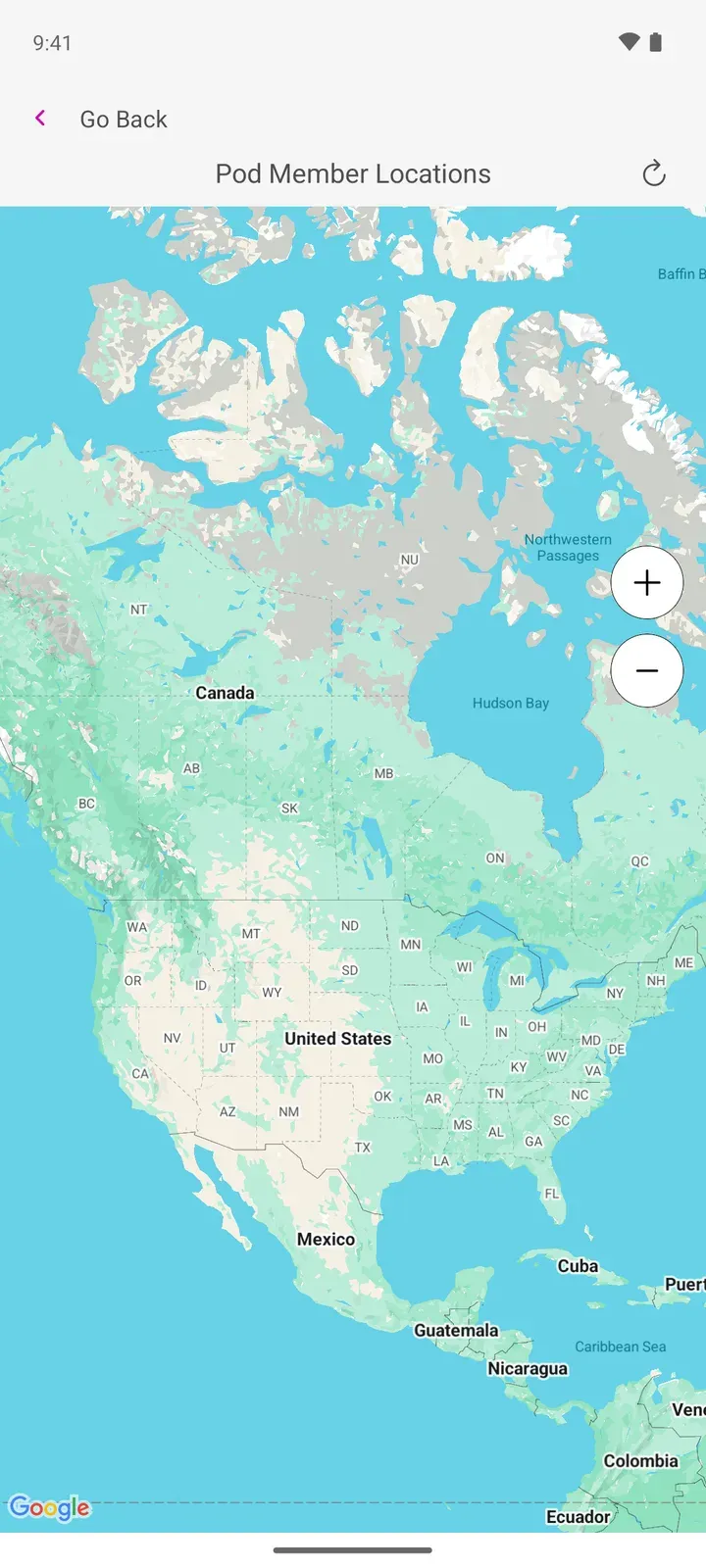
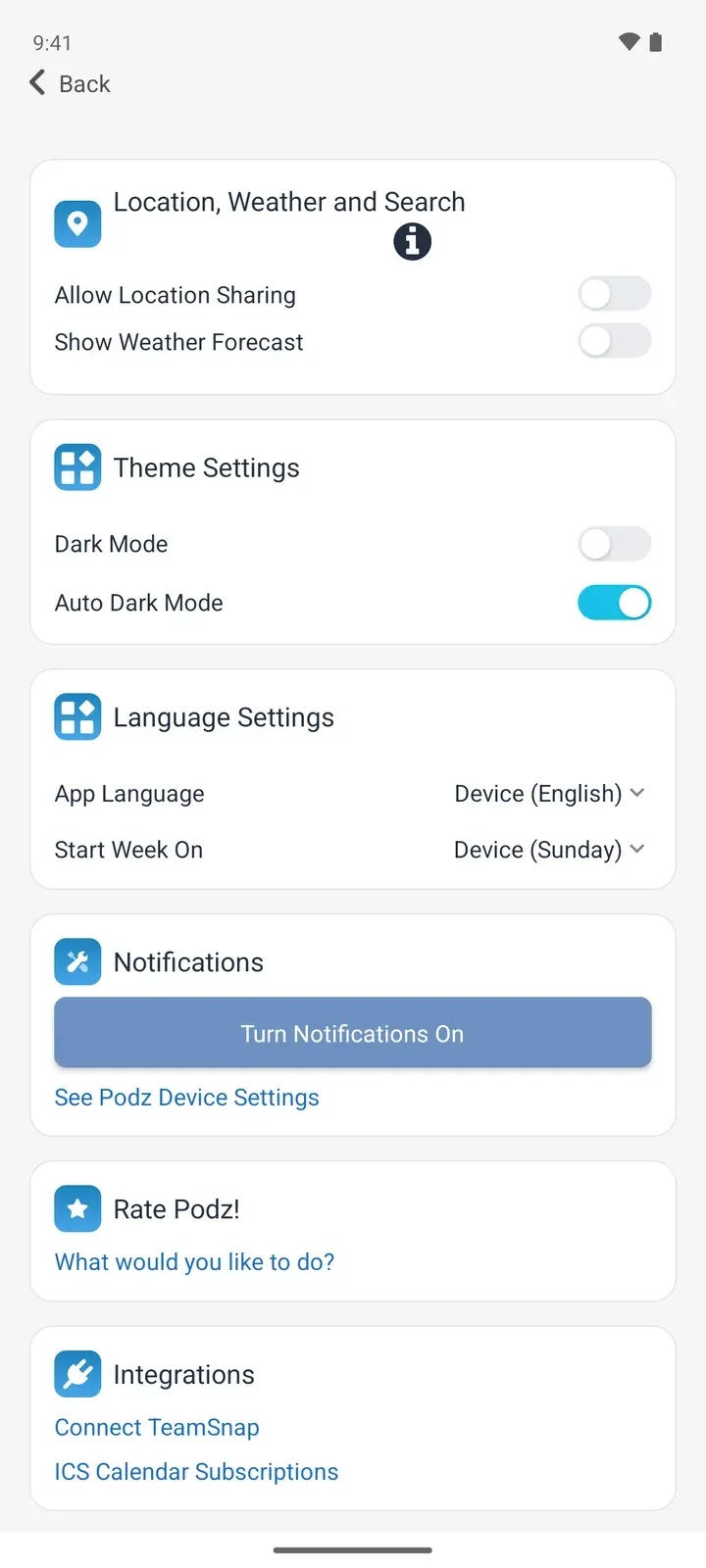
- 앱 전체에 적용되는 스위치를 찾으려면 앱 메뉴를 연 다음 App Settings에서 Allow Location Sharing을 확인하세요.
Android에서 확인한 단계입니다. iPhone 화면은 조금 다를 수 있습니다. 2026년 11월 16일에 Podz 2.20.56에서 확인했습니다.
알아 두면 좋은 점
App Settings에서 Show Weather Forecast는 Allow Location Sharing 옆에 있습니다.