
Plan an RV trip with Ask Podz
Describe your RV when you plan a trip, and Ask Podz builds the days around it, with RV parks for the nights and what each park lists.
Planning a trip in an RV? On the Calendar tab, tap the view button left of the date and choose Travel. Tap Plan a trip, then I know where I’m going, and describe the trip and the RV in a few words: its type and length, the electric, water and sewer connections you need and the national parks you want to see. Then tap Start planning.
Ask Podz asks what it still needs, such as your budget, the pace, which suggestions to include and which activities you like, and offers a few routes to choose from. Create Your Itinerary builds the days, with RV parks for the nights.
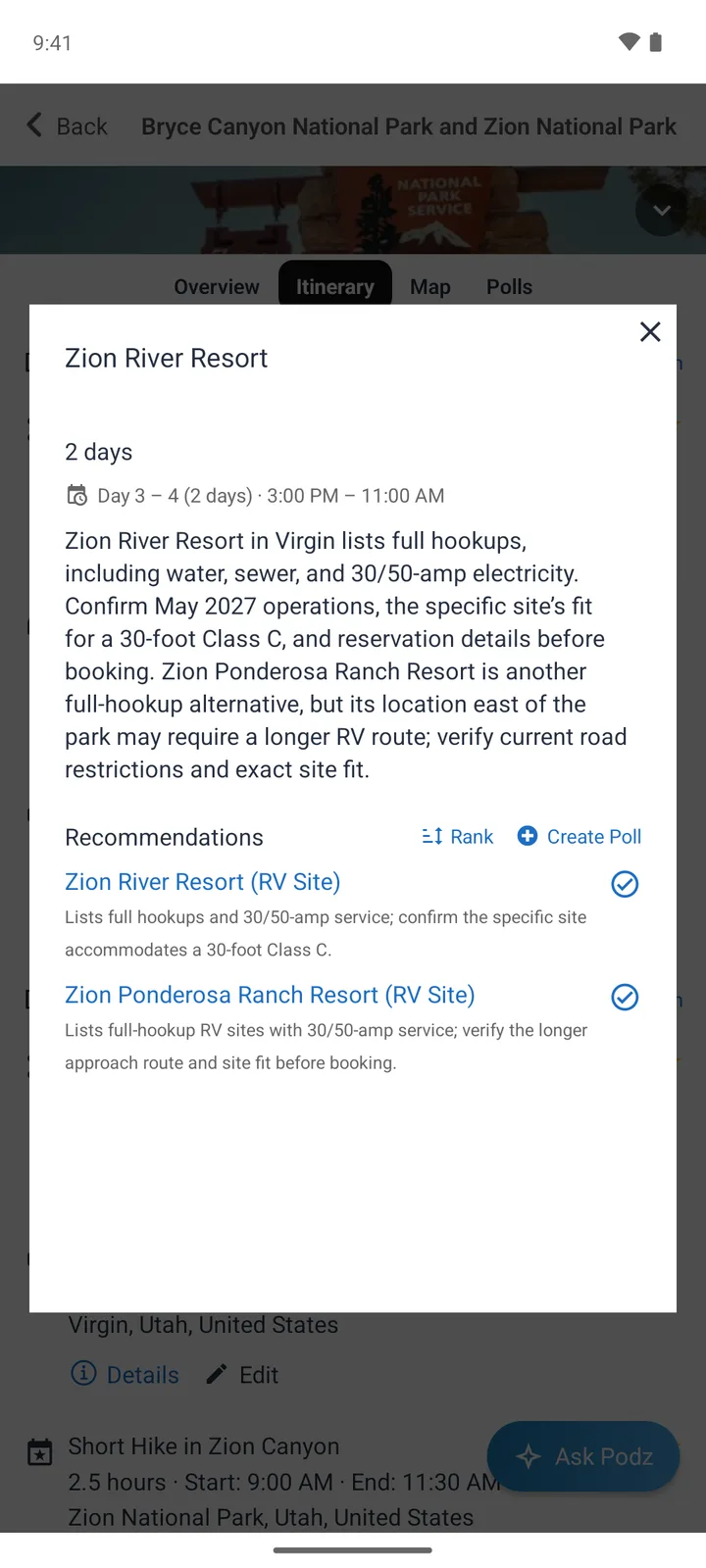
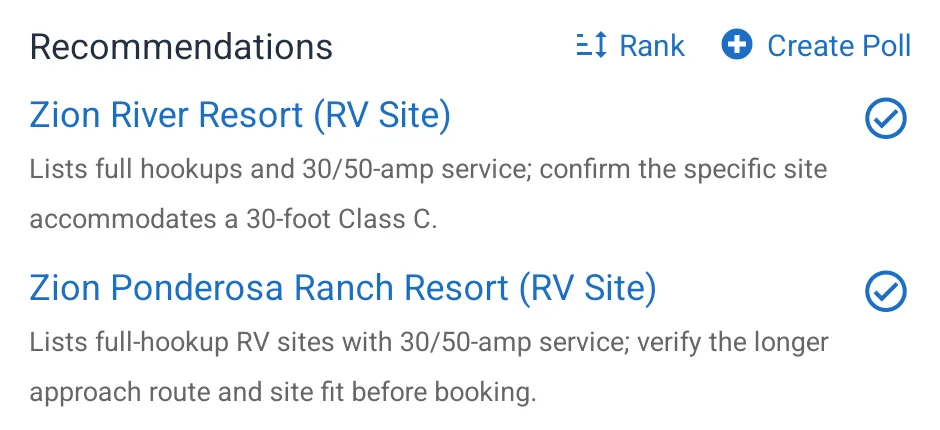
Open an RV park’s Details to read what it lists, such as full RV connections. Under Recommendations are the RV sites Ask Podz suggests for that stay, with Rank and Create Poll above them so the pod can choose together. Podz does not reserve a site: check with the park that one fits your RV.
Also in this version: turn on Private when you add an event, and the others in the pod see it as “Busy”.
From the store listing
From the release notes Podz published on the App Store.
RV Trip Planning Is Here! Plus More Ways to Plan, Share, and Stay Connected.
Steps checked on Android; iPhone screens may look slightly different. Checked in Podz 2.20.55 on Nov 10, 2026.